· 2 min read
Fix Unresponsive Gemini Focuser Motor via Firmware Re-flash
The motor will rotate normally as commanded by software, with no vibration or unresponsiveness, after clearing corrupted data and reloading the firmware.
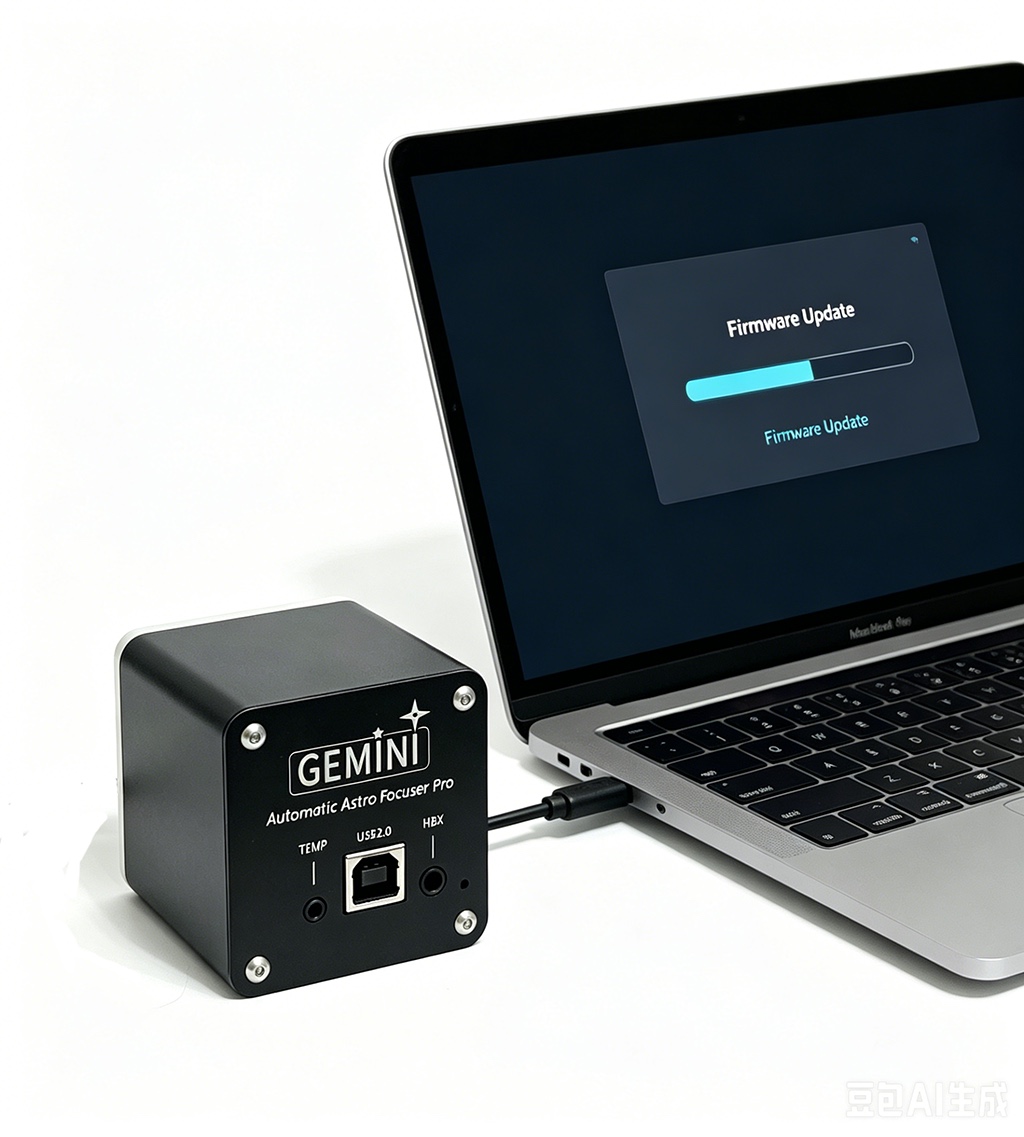
After following the provided steps, the Gemini focuser’s motor will respond correctly to rotation commands from software (such as NINA or its standalone APP). The “faint vibration” and lack of actual movement will be eliminated, and the focuser will return to normal operation with full communication and motion control restored, requiring only a reconfiguration of the travel settings.
Q:
The Gemini focuser shows a normal connection status when using either its standalone APP or the NINA software. However, when commanding the motor to rotate, the motor does not respond or only exhibits a faint vibration. While the software interface indicates that the focuser is rotating, the actual motor does not turn.
A:
Please rest assured, the Gemini focuser is not damaged. This issue is typically caused by unstable power supply from the USB cable, which leads to a data storage error within the focuser. Simply re-flashing the firmware will restore normal operation. Please follow the steps below:
- Download Files: Download all files from the provided link. https://drive.google.com/drive/folders/1AvVvFkwcGOHz5ov37bsVCsLJV7n2TWNz
- Connect the Device: Connect the Gemini focuser to your computer using a USB cable.
- Prepare the Tool: Refer to the instructions in the picture “How to upgrade using xloader”, and open the “FirmwareUpgradeTool” software from the downloaded files.
- Clear Erroneous Data: Following the on-screen diagrams in the tool, select and upload the “eeprom_clear.hex” file.
- Flash Main Firmware: After the previous step completes,select the “GeminiAstroFocuserPro_fm_v9.hex” file and click Upload.
- Finalize Setup: Once the firmware is flashed, the focuser will be restored. Please reconfigure its travel settings, after which it will be ready for normal use.